
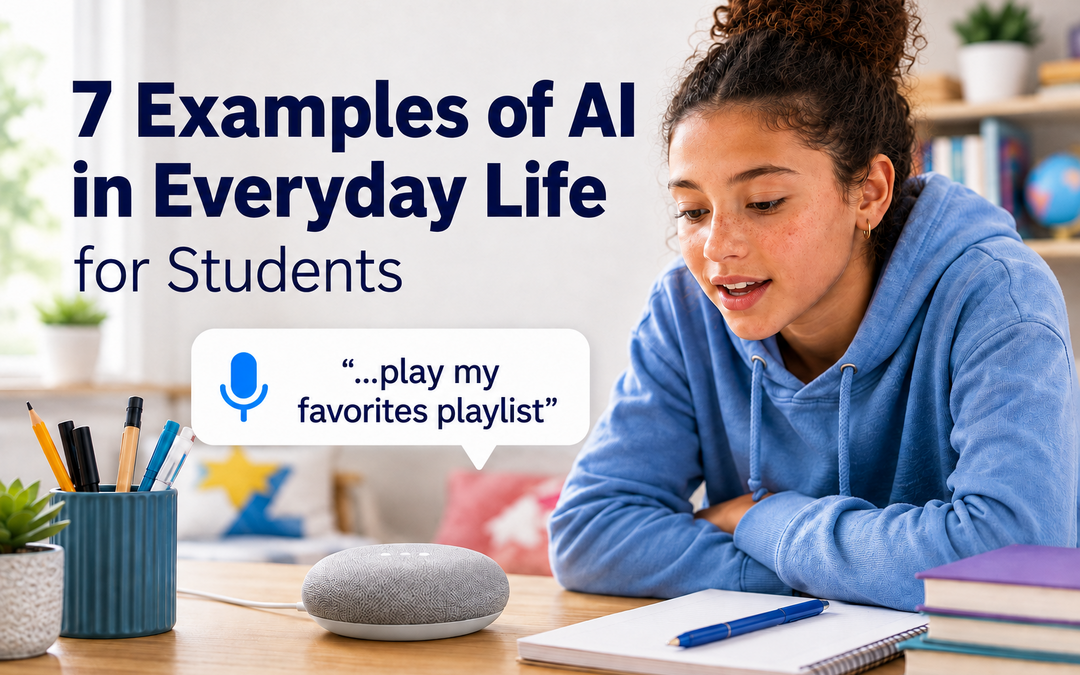
These examples of AI in everyday life can help students recognize that artificial intelligence is already part of many familiar activities.
When students hear “artificial intelligence,” many probably think of ChatGPT or another AI chatbot.
But chances are, they were interacting with artificial intelligence long before they ever opened one.
AI can help decide which posts appear in a social media feed, predict what someone is about to type, recognize a face in a photo, identify a song or determine which ad someone sees.
For students, that distinction matters.
AI literacy shouldn’t begin with a particular AI tool. It should begin with understanding where AI already exists in the world around them.
For younger students especially, that doesn’t require putting them in front of a generative AI tool. It can begin with a much simpler question:
Where is AI already showing up in your life?
What is AI?
Artificial intelligence refers broadly to computer systems designed to perform tasks that typically require aspects of human intelligence, such as recognizing patterns, making predictions, interpreting language or images, and making recommendations.
Many AI systems work behind the scenes.
Students don’t necessarily press an “AI” button or even know AI is involved. They simply see a recommended video, receive a suggested word or watch an app transform a photo.
That makes everyday experiences a great place to start teaching students what AI is and how it works.
Examples of AI in Everyday Life Students Already Know
1. Social media feeds
Two students can open the same social media platform and see completely different things.
Why?
AI can help platforms decide which posts, videos and other content appear in someone’s feed and in what order. These systems can use information about what someone watches, likes, shares, skips or spends time viewing to predict what might keep that person interested.
The important lesson for students is that a feed isn’t simply showing them everything that exists.
Technology is helping decide what they see.
Think about it: Why did this post appear in your feed? What might the platform know about you that influenced that decision?
2. Video and music recommendations
Finish a video and another one appears.
Listen to a song and a music app suggests something similar.
Open a streaming service and the recommendations may look completely different from those shown to someone else in your family.
AI-powered recommendation systems can look for patterns in what people watch or listen to and use those patterns to predict what they might enjoy next.
These recommendations can be incredibly useful.
They can also influence what we choose.
Think about it: Did you decide what to watch or listen to next, or did the recommendation help make that decision for you?
3. Photo filters and effects
Ever used an app that automatically recognizes a face, blurs the background, adds an effect behind someone or removes an object from a photo?
AI may be working behind the scenes.
AI systems can be trained to recognize patterns in images, allowing software to distinguish a face from a background, identify objects or determine which parts of an image should be changed.
Some tools can now go much further, generating or dramatically altering parts of an image.
That creates a bigger question for students growing up in a world of AI-generated media.
Think about it: If technology can easily change what appears in a photo, how can you decide whether an image shows what actually happened?
4. Ads students see online
Have you ever talked about, searched for or looked at something online and then started noticing ads for similar things?
It can feel as if the internet suddenly knows what you’re interested in.
Online advertising systems can use many kinds of information and automated predictions to decide which ads to show different people.
That means two students visiting the same website may not see the same advertising.
This is a useful way to introduce an important part of AI and digital literacy: data.
AI systems often need information to make predictions and personalize experiences.
Think about it: Why are you seeing this particular ad? What information might have helped determine that it was shown to you?
5. Autocomplete and predictive text
Start typing a text message, search or email and your device may try to finish your thought.
That’s prediction in action.
AI-powered systems can analyze patterns in language to predict which word, phrase or search someone might enter next.
But the system doesn’t actually know what you were going to say.
It is calculating what is likely to come next based on patterns.
That distinction becomes especially important when students encounter generative AI.
Something can be a very good prediction without necessarily being true.
Think about it: Is your device reading your mind, or making a prediction?
6. Music identification
A song is playing in a restaurant, at a game or in the background of a video.
You hold up a phone for a few seconds.
And somehow, an app tells you exactly what song it is.
Music-identification technology can analyze characteristics and patterns in an audio sample and compare them with information about known songs to find a match.
To a student, the answer may seem almost instant.
Behind that answer is another foundational idea in AI: pattern recognition.
Think about it: What patterns would a computer need to recognize to tell one song from millions of others?
7. AI-generated answers and chatbots
This is probably the example students are most likely to recognize as AI.
Generative AI systems can answer questions, create images, summarize information, write text and produce other new content.
And the results can be remarkably convincing.
They can also be wrong.
Generative AI systems learn patterns from enormous amounts of information and use those patterns to generate responses. A confident-sounding answer does not necessarily mean the information is accurate.
That’s why learning to use generative AI cannot simply mean learning how to write a good prompt.
Students also need to learn to ask:
- Can I verify this?
- Where might this information have come from?
- What information am I sharing with this system?
- Should I be using AI for this at all?
AI literacy starts before the prompt
These examples have something important in common.
Students don’t have to open ChatGPT to encounter AI. AI is already part of the digital world they are growing up in.
That’s why AI literacy needs to be about more than teaching students how to use the latest tool.
Students need to understand the foundations underneath the tools: how AI uses data and patterns, how automated systems can influence what they see, why AI can be useful and still be wrong, and how to make thoughtful decisions about the technology around them.
For younger students, that can start without using generative AI at all.
Start with the world they already know.
- Why did that video appear next?
- Why am I seeing this ad?
- How did the app change that photo?
- How did my phone know what I was about to type?
Recognizing AI is the first step toward understanding it.
Once students recognize these everyday AI examples, they can begin asking better questions about how the technology works and how to use it responsibly.
And understanding it is the foundation students need to use it safely, critically and responsibly.
Want to explore the technology underneath AI?
Many AI systems rely on algorithms, another concept that becomes much easier to understand when students can connect it to everyday experiences.
Explore: 7 Examples of Algorithms in Everyday Life for Students →
Learn more about the Learning.com Digital and AI Literacy Curriculum

Learning.com Team
Staff Writers
Founded in 1999, Learning.com provides educators with solutions to prepare their students with critical digital skills. Our web-based curriculum for grades K-12 engages students as they learn keyboarding, online safety, applied productivity tools, computational thinking, coding and more.
Further Reading
It Is Not About the Tool. It Is About the Thinking.
In honor of AI Literacy Day, we wanted to offer a practical way to explore what AI literacy really means for students and for schools. Rather than...

You Can’t Ban the Future, But You Can Teach It.
Banning AI Won't Work. Teaching AI Literacy Will. When new technology disrupts education, the first instinct is often control. Limit access. Block...
Making Digital and AI Literacy a District Priority: Three governance and leadership actions to move from aspiration to scalable impact
Author: Dr. Jesus Jara, Former Superintendent, Clark County & Lisa O'Masta, CEO of Learning.com Integration does not scale because we believe in...