
K–12 Digital & AI Readiness
Technology is everywhere. Students need judgment.
Build the digital skills, online safety habits, and age-appropriate AI literacy K–12 students need to be proficient and stay safe in digital spaces.
Talk With Our Team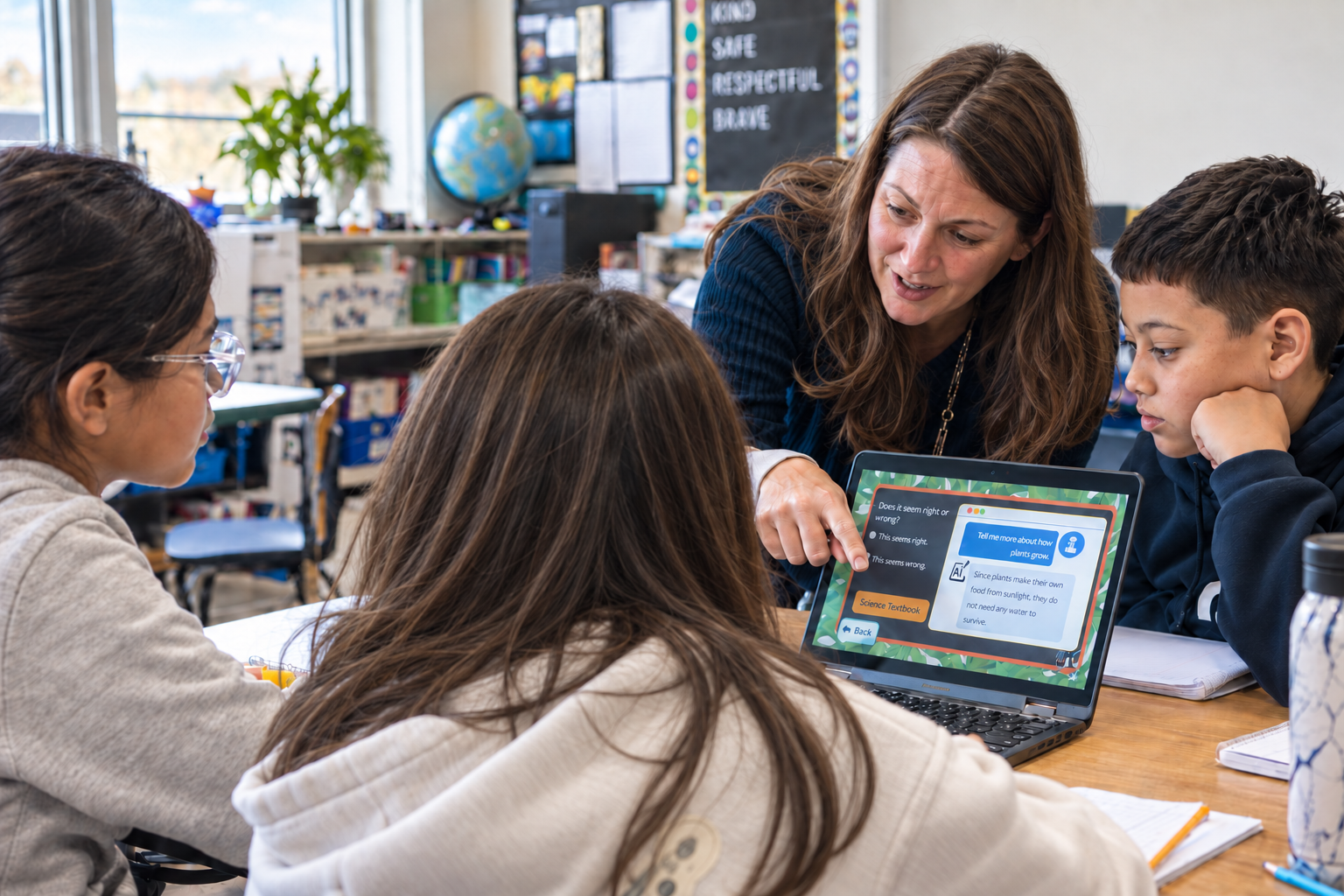
25+ years of experience preparing students for success in a digital world.
The Foundation Students Need
Digital readiness is more than knowing how to use a device.
Students need the skills and judgment to learn, communicate, create, and make safe choices wherever technology appears. That foundation includes three connected areas:
Digital Skills
Build fluency with keyboarding, productivity tools, online research, computer fundamentals, and creative problem-solving.
Online Safety & Citizenship
Protect personal information, recognize online risks and misinformation, communicate responsibly, and make thoughtful choices.
AI Literacy
Recognize where AI appears, understand how it works, question what it produces, and know when and how to use it appropriately.
Together, these skills prepare students to succeed in any digital space—not just the tools they use today.
What Students Learn
A foundation that grows with students.
Students’ digital responsibilities change as they grow. Learning.com introduces essential concepts at an age-appropriate level and deepens them over time.
Early Elementary
Build safe digital habits.
Students begin by learning the difference between people and machines, how to protect personal information, how to communicate kindly, and when to ask a trusted adult for help.
Upper Elementary
Strengthen skills and judgment.
Students learn to evaluate online information, manage passwords and digital footprints, create with common digital tools, communicate responsibly, and recognize when images and messages may be altered or misleading.
Middle School
Navigate a more complex digital world.
Students examine algorithms, AI-generated information, privacy and data sharing, synthetic media, attribution, ethical technology use, and when technology supports their thinking versus when it replaces it.
High School
Apply skills to real-world and future-ready work.
Students strengthen professional communication, research, online safety, data analysis, productivity, multimedia, computational thinking, coding, and AI judgment as they prepare for college, careers, and adult digital life.
The goal is not mastery of one platform. It is the judgment and proficiency to succeed in any digital space—safely.
Built for Real Classrooms
Technology instruction should adapt to the classroom—not the other way around.
Learning.com gives educators the flexibility to lead instruction, assign student-led lessons, or combine both approaches.
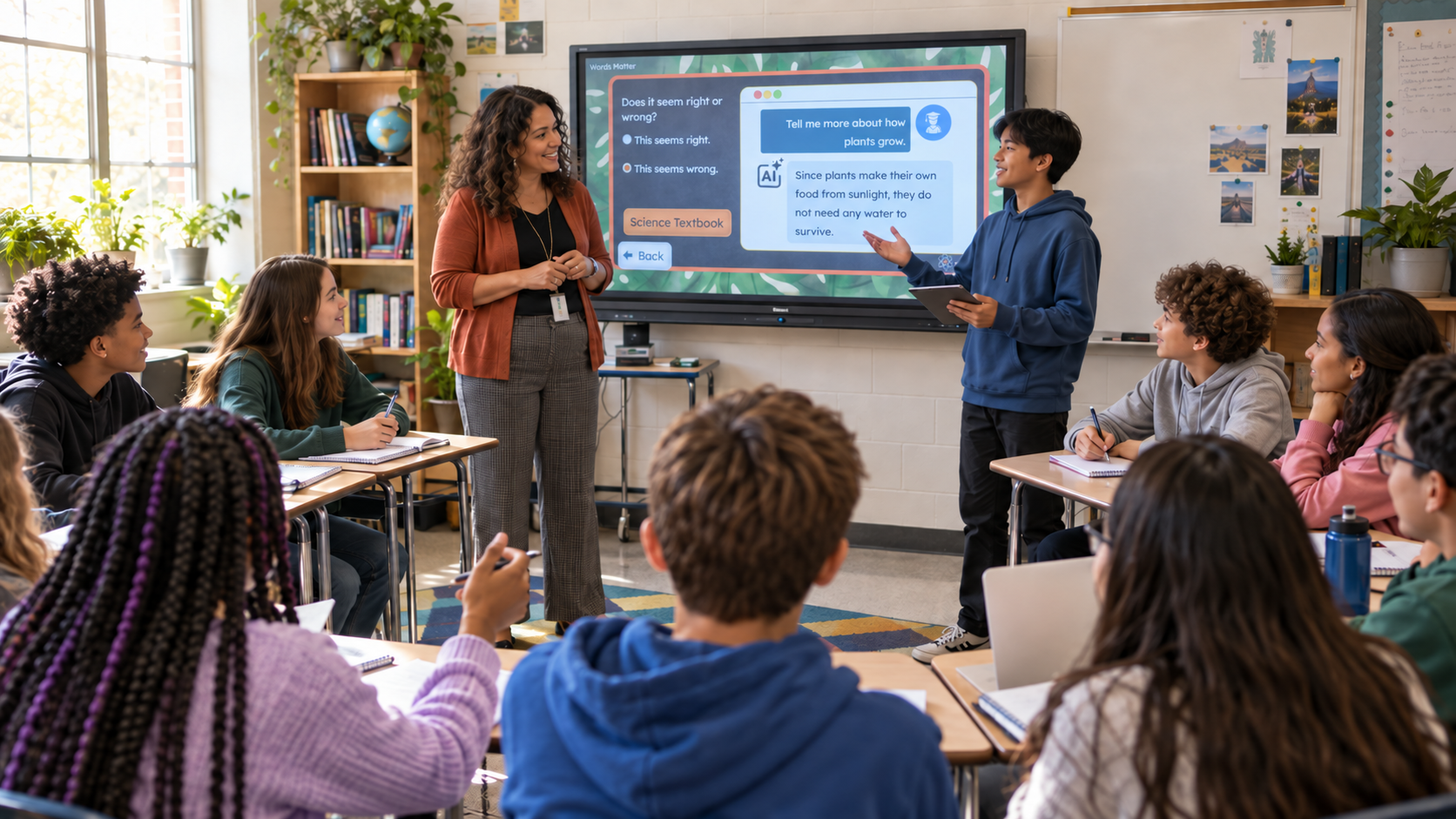
Teacher-Led
Guide whole-class instruction, model digital behaviors, facilitate discussion, and complete shared activities.
Student-Led
Assign interactive lessons and guided practice that allow students to build proficiency at an appropriate pace.
Blended
Combine teacher-led instruction, collaborative activities, and independent practice based on the learning objective.
Ready-to-use curriculum, educator guidance, standards alignment, reporting, integrations, and dedicated support make district-wide implementation manageable.
Curriculum, Not Another Tool
Students do not need another tool. They need the foundation to navigate all of them.
Learning.com is comprehensive K–12 curriculum—not a public AI tool or another disconnected app.
Students build the judgment to question information, protect their privacy, make responsible choices, and recognize when technology supports their thinking—or replaces it.
Built for Districtwide Readiness
Give your community a clear answer to a difficult question.
How are you preparing students for technology and AI while protecting them from its risks?
Families, boards, and communities are asking. Learning.com gives you a clear, age-appropriate K–12 approach you can implement consistently, and explain with confidence.
-
1
Build a consistent K–12 digital and AI readiness foundation
Give every student a shared progression of essential skills from kindergarten through high school.
-
2
Teach students to recognize and respond to risk
Help students protect their privacy, question information, recognize unsafe situations, and make thoughtful choices.
-
3
Give families and communities clear answers
Show how your district is preparing students to use technology and AI safely, responsibly, and proficiently.
Give students the foundation they need—and your community a plan it can trust.
Talk With Our TeamDistrict Impact
When students can use technology proficiently, they can focus on learning.
Percentage-point gains, grades 3–5 | 2023–24 to 2024–25 | Featured Edinburg CISD campuses
- 43
- Schools
- 34,000
- Students
- 10+
- Years with Learning.com
Edinburg CISD uses Learning.com to build essential digital skills across 43 schools serving 34,000 students. With a focused implementation tied to classroom instruction, educators saw students navigate online testing more easily, complete projects more efficiently, and better articulate their thinking.
“When students have the technology skills, it gives the teachers more time to focus on teaching the content.”
District Instructional Technology Specialist
Edinburg Consolidated Independent School District
Explore the Curriculum
One foundation.
Multiple ways to prepare students for what comes next.
Start with comprehensive digital literacy, expand the foundation with K–12 AI literacy, or deepen students’ computational thinking and coding skills.
EasyTech
K-12 Digital Literacy & Citizenship
Build the essential skills every student needs, including keyboarding, computer fundamentals, productivity tools, online research, digital citizenship, online safety, and introductory computational thinking.
In Texas? Explore TechApps
EasyTech with AI Literacy
K-8 Digital & AI Readiness
Expand the EasyTech foundation with age-appropriate AI literacy. Students learn to recognize AI, understand how it works, question its outputs, consider its impact, and use it safely and responsibly.
Explore AI LiteracyEasyCode
K-12 Coding & Computational Thinking
Develop problem-solving and computational-thinking skills through block-based coding, text-based coding, Python, cybersecurity concepts, and real-world projects.
Explore EasyCodeResources & Insights
Practical guidance for what comes next.
Explore free tools, trusted guidance, and timely perspectives to help your district prepare students, support educators, and answer the questions families and communities are asking.
Featured Resource
Build Your District’s AI Policy With Confidence
Get plain-language guidance, ready-to-use templates, prompts, and an implementation checklist informed by leading education organizations.
Explore the AI Policy HubHosted on edupolicy.online. Opens in a new tab.
AI Resource Center
Navigate AI in Education With Trusted Resources
Explore professional learning, policy guidance, curriculum resources, toolkits, and expert-led webinars gathered for K–12 educators and leaders.
Explore the AI Resource CenterLatest From Learning.com
7 Examples of Critical Thinking for Students
See practical activities that help students question assumptions, evaluate evidence, consider perspectives, and make thoughtful choices.
Read the Article View All InsightsCurriculum, Not Another Tool
Give every student the foundation to succeed in any digital space.
Prepare students to use technology and AI safely, responsibly, and proficiently—with a K–12 approach your educators can implement and your community can trust.
Talk With Our Team


